User Experience
Magic wands and rich media chat
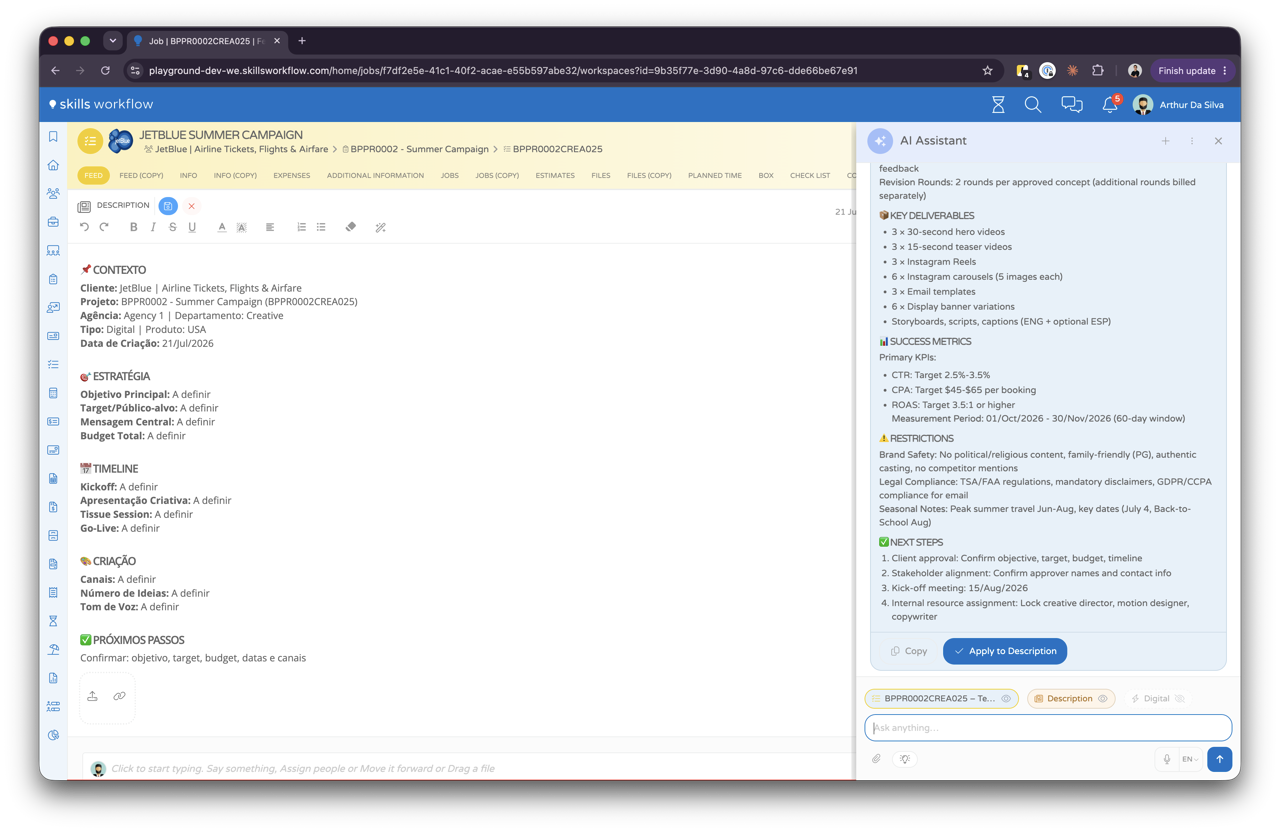
The assistant is never somewhere else. It sits in the toolbar you are already using, takes your attachments, and answers with charts and lists rather than walls of text.
Planned · from Q3 2026 · directional, subject to changeAvailable today
The Writing Assistant already rewrites text, fixes grammar and shifts tone wherever you are typing.
"Make this sound warmer before it goes to the client."What it will do
- A chat bot available from any point in the system
- Magic wand button in toolbars for contextual AI help
- Chat accepts attachments: documents, images and data
- Get back charts, links, lists and alerts in the chat
- Press the magic wand to generate comments and descriptions
- Type, read, talk or listen while using Skills Workflow
- Use your own words and let AI understand you