Put Your Agency's Numbers on a Screen
Preview
This is not available yet. The example below was built with the connector on a demo tenant to show how it is expected to work, and the finished feature may differ.
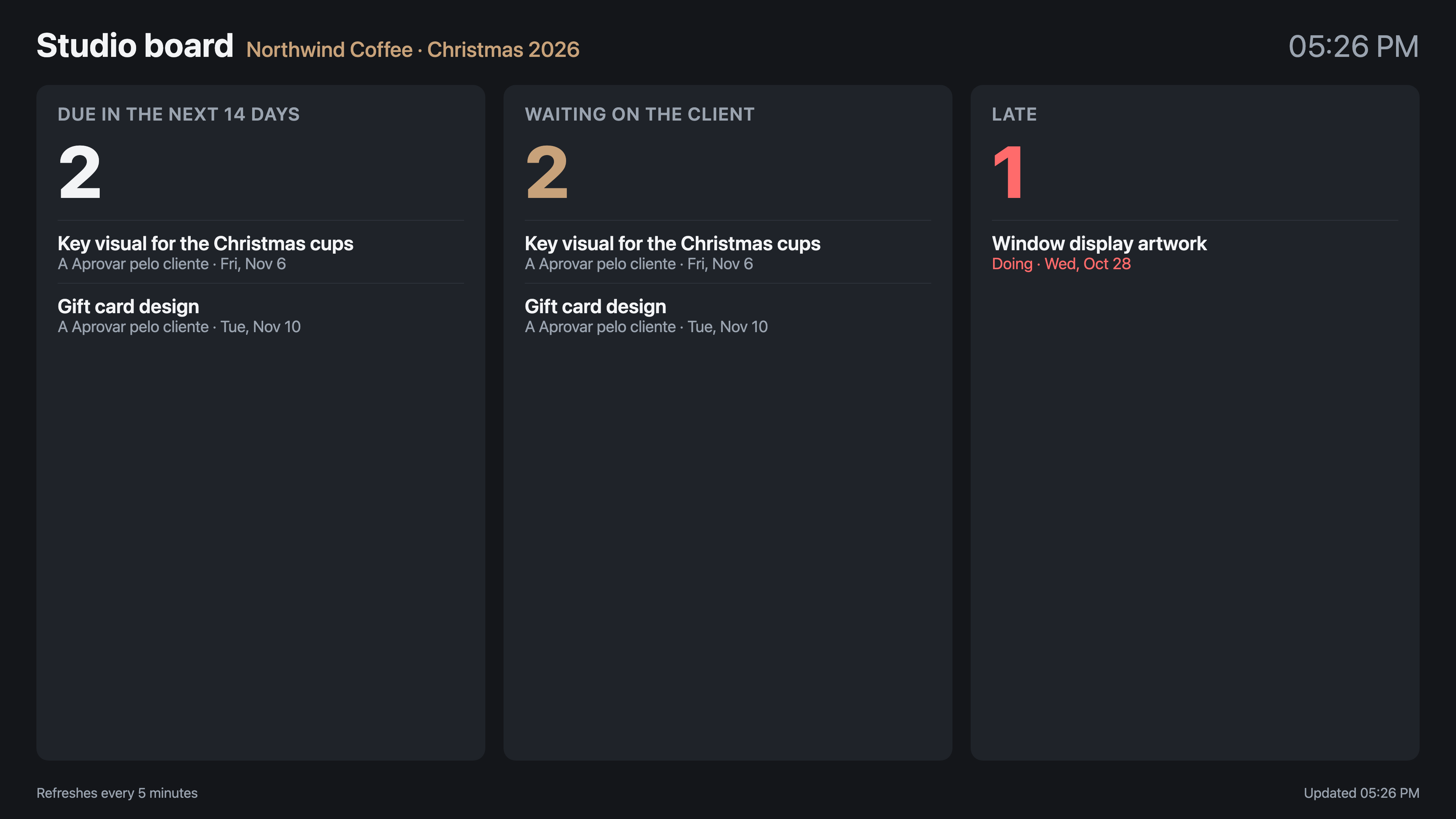
Put what the team should see at a glance on the screen in the studio: what is due soon, what is waiting on the client and what is already late. Ask your AI tool for a board made for a TV, readable from across the room, that keeps itself up to date.
Expected behaviour
- The board fills a 1920 × 1080 screen, with a few figures in large type and up to five deliverables under each one.
- It reads the data again every 5 minutes and shows the time of the last refresh. The clock in the corner shows the screen is alive.
- In the example, the board reads the
DE-Jobsquery for one client's open deliverables. Late deliverables appear only in the Late column.
Rules and behaviour
- The computer behind the screen needs a signed-in Skills Workflow user, and the board shows what that user may see. Use a user who cannot see costs or salaries.
- When the session ends, the screen shows the Skills Workflow sign-in until someone signs in again.